Overseas Marketing · Deepege Editorial Team
How Long Can YouTube Videos Be in 2026? 15 Minutes, 12 Hours and 256 GB
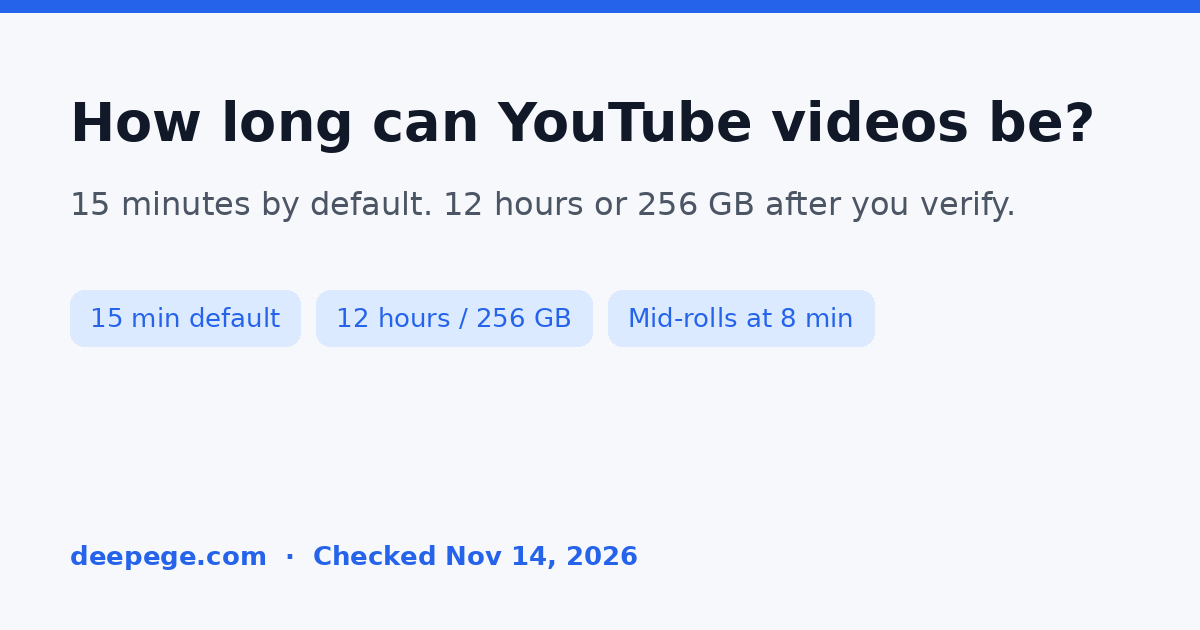
How long can YouTube videos be? By default, you can upload videos that are up to 15 minutes long. If you verify your Google Account, YouTube raises that cap: the maximum upload is 256 GB or 12 hours, whichever is less. These limits apply to regular YouTube videos, not to Shorts, which have a separate 3-minute cap.
Quick answer (checked November 14, 2026):
| Situation | Maximum length | Other limit | Source |
|---|---|---|---|
| Default upload (account not verified) | 15 minutes | - | YouTube Help: Upload videos longer than 15 minutes |
| Verified Google Account | 12 hours | 256 GB, whichever is less | Same YouTube Help page |
| Files larger than 20 GB | Same as above | Use an up-to-date browser | Same YouTube Help page |
| Mid-roll ads (monetized videos) | Eligible at 8 minutes or longer | You turn mid-rolls on; ad slots are not guaranteed to serve ads | YouTube Help: Manage mid-roll ad breaks |
| YouTube Shorts | 3 minutes | A different format; see our YouTube Shorts length guide | Existing Shorts rules, not this page |

How long can YouTube videos be if your account is not verified?
By default, you can upload videos that are up to 15 minutes long. YouTube Help states this as the starting limit, before you verify the Google Account on the channel.
If a 20-minute tutorial or a 40-minute webinar fails at upload, the 15-minute default is the first thing to check. YouTube does not treat verification as optional wording on that page: unverified accounts stay at 15 minutes.
How do you upload YouTube videos longer than 15 minutes?
Verified accounts can upload videos longer than 15 minutes. To verify, YouTube tells you to open youtube.com/verify on a computer and complete the steps. You can receive the verification code by text message on a mobile device or by an automated voice call.
Two troubleshooting notes from the same Help page matter after you verify:
- If a video still will not play, YouTube says you need to upload it again from YouTube Studio after verification: sign in, choose Create, and upload the file once more.
- If you could previously upload long videos and no longer can, YouTube tells you to check the account for copyright claims and strikes.
Verification raises the length cap. It does not bypass copyright enforcement.
What is the maximum YouTube video length and file size?
The maximum file size you can upload is 256 GB or 12 hours, whichever is less. That sentence is from YouTube Help, checked on November 14, 2026.
A few details are easy to miss:
- The cap is a pair of limits, not 12 hours in every case. A very large file can hit 256 GB before it hits 12 hours.
- YouTube says it has changed upload limits in the past, so you may see older videos that are longer than 12 hours. Those older uploads are not a promise that a new 12-hour-plus file will be accepted.
- For files greater than 20 GB, YouTube asks you to use an up-to-date version of your browser.
- If the file is larger than 256 GB, YouTube suggests compressing it in a video editor first, and names the H.264 codec as the compression format that keeps quality suitable for YouTube.
Some older blog posts still quote a 128 GB file cap. That figure is not what the current Help page says.
How long does a YouTube video need to be for mid-roll ads?
On monetized videos that are 8 minutes or longer, you can turn on ads during the middle of the video, known as mid-rolls. YouTube Help: Manage mid-roll ad breaks is the source for that 8-minute threshold. YouTube advertising formats repeats it: you can turn on mid-roll ads for videos longer than 8 minutes and choose manual or automatic ad breaks.
Eligibility is not the same as an ad playing. YouTube says you can manage mid-rolls on any video regardless of your channel-level upload default, that ad slots are not guaranteed to serve ads, and that slots at natural breakpoints (a pause in audio or a visual transition) are more likely to serve than slots mid-sentence or mid-action. You can use manual slots, automatic slots, or both.
YouTube also distinguishes a separate format called back-to-back ads, or ad pods: two back-to-back video ads can occur when you turn on ads for a long-form video that is at least 5 minutes long. That 5-minute figure is about ad pods, not about mid-roll eligibility.
To turn mid-rolls on or off, YouTube currently points you to mobile. To manage and edit mid-roll ad slots, it tells you to sign in to YouTube Studio on desktop.
If your channel is not in the YouTube Partner Program, the mid-roll setting does not change the 15-minute or 12-hour upload caps. It only applies to monetized videos.
How is this different from YouTube Shorts length?
YouTube Shorts are a different format with a different length cap. Shorts can run up to 3 minutes, and some tools (including Edit into a Short) stop at 60 seconds. Those rules are covered in how long YouTube Shorts can be.
This page is about regular YouTube uploads: the 15-minute default, verification, the 12-hour and 256 GB maximum, and mid-roll eligibility at 8 minutes. If you are trying to post a vertical clip in the Shorts shelf, use the Shorts guide. If you are uploading a standard video to your channel, use the table above.
TikTok and Instagram use their own caps. See how long TikTok videos can be and how long Instagram videos can be before you reuse the same master file. Facebook and X have separate official caps: see Facebook video length and Twitter video length.
How should a brand plan YouTube video length?
YouTube does not publish a single "best length" for brand channels on the Help pages cited here. What it does publish is enough to plan the file you upload:
- Confirm verification before you export a long master. If the channel is still on the 15-minute default, a 16-minute product film will not go up until you verify and, if needed, re-upload.
- Stay under 256 GB and 12 hours. For most marketing videos this is not the binding constraint. It matters for full-day recordings, lecture series stitched into one file, or lightly compressed 4K.
- If you monetize, treat 8 minutes as the mid-roll line. A 7-minute product story can still run ads in other formats; it is not eligible for mid-rolls on the current Help wording.
- Cut shorter versions for other platforms. The same master can feed a Short, a Reel, or a TikTok, each with a tighter cap. A hook generator can draft the opening seconds; a video script generator can outline the cutdown. For the cross-platform workflow, see how to repurpose video content.
- Write a title and idea list before you render. If you need starting points, use the YouTube title generator or the YouTube video ideas generator.

For teams selling in more than one market, the same master can be voiced and subtitled in several languages. Deepege, our own product, reads your product materials, plans short product videos, and adds voiceover, subtitles and covers for platforms such as YouTube, TikTok and Instagram.
FAQ
How long can YouTube videos be in 2026?
By default, YouTube videos can be up to 15 minutes long. After you verify your Google Account, the maximum is 256 GB or 12 hours, whichever is less. These figures come from YouTube Help, checked November 14, 2026.
How do I verify my account so I can upload videos longer than 15 minutes?
Open https://www.youtube.com/verify on a computer and follow the steps. YouTube lets you get a verification code by text message or an automated voice call. If a video still will not play, YouTube says to upload it again from YouTube Studio after you verify.
What is the largest file I can upload to YouTube?
YouTube Help says the maximum file size is 256 GB or 12 hours, whichever is less. For files larger than 20 GB, it asks you to use an up-to-date browser. If the file is over 256 GB, compress it first; YouTube names the H.264 codec.
How long does a YouTube video have to be for mid-roll ads?
On monetized videos that are 8 minutes or longer, you can turn on mid-roll ads. Ad slots are not guaranteed to serve ads. A separate "ad pods" rule can show two back-to-back ads on long-form videos that are at least 5 minutes long.
Why can I still see YouTube videos longer than 12 hours?
YouTube Help says it has changed upload limits in the past, so you may see older videos that are longer than 12 hours. That does not mean a new upload over 12 hours will be accepted.
Does the 15-minute limit also apply to YouTube Shorts?
No. Shorts have a separate 3-minute cap, covered in our YouTube Shorts length guide. The 15-minute default and the 12-hour verified cap on this page apply to regular YouTube video uploads.
FAQ
How long can YouTube videos be in 2026?
By default, YouTube videos can be up to 15 minutes long. After you verify your Google Account, the maximum is 256 GB or 12 hours, whichever is less. These figures come from YouTube Help, checked November 14, 2026.
How do I verify my account so I can upload videos longer than 15 minutes?
Open https://www.youtube.com/verify on a computer and follow the steps. YouTube lets you get a verification code by text message or an automated voice call. If a video still will not play, YouTube says to upload it again from YouTube Studio after you verify.
What is the largest file I can upload to YouTube?
YouTube Help says the maximum file size is 256 GB or 12 hours, whichever is less. For files larger than 20 GB, it asks you to use an up-to-date browser. If the file is over 256 GB, compress it first; YouTube names the H.264 codec.
How long does a YouTube video have to be for mid-roll ads?
On monetized videos that are 8 minutes or longer, you can turn on mid-roll ads. Ad slots are not guaranteed to serve ads. A separate "ad pods" rule can show two back-to-back ads on long-form videos that are at least 5 minutes long.
Why can I still see YouTube videos longer than 12 hours?
YouTube Help says it has changed upload limits in the past, so you may see older videos that are longer than 12 hours. That does not mean a new upload over 12 hours will be accepted.
Does the 15-minute limit also apply to YouTube Shorts?
No. Shorts have a separate 3-minute cap, covered in our YouTube Shorts length guide. The 15-minute default and the 12-hour verified cap on this page apply to regular YouTube video uploads.