Overseas Marketing · Deepege Editorial Team
WhatsApp Video Length in 2026: How Long Can Status and Chat Videos Be?
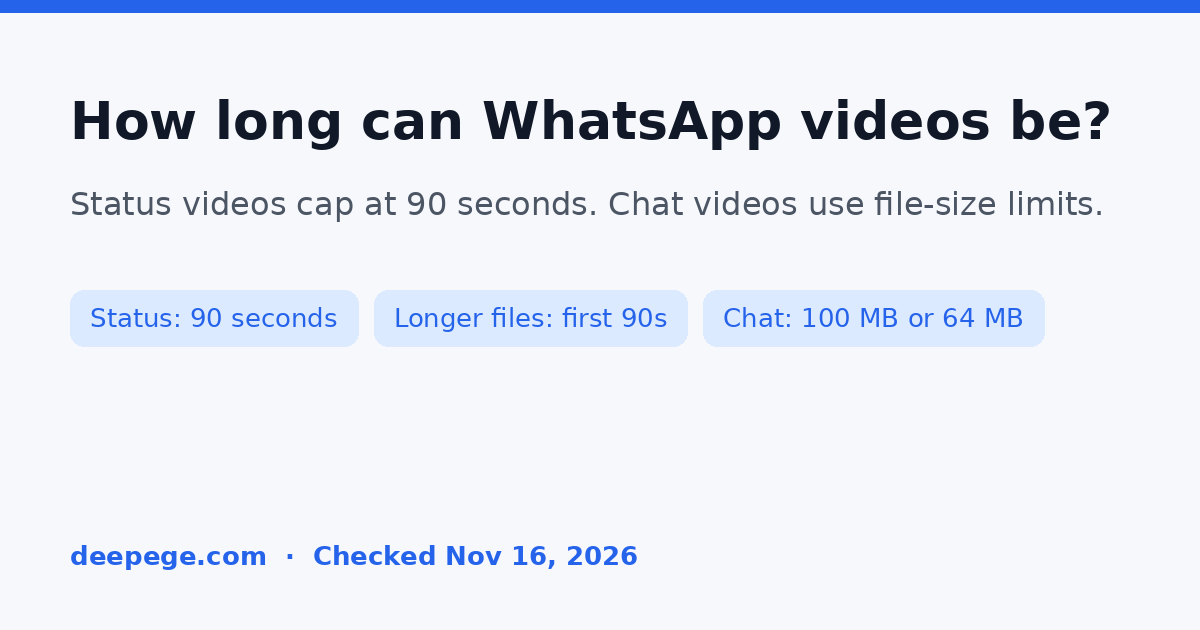
WhatsApp video length depends on the surface. Status videos can be up to 90 seconds long, in 3GP or MP4 (MPEG-4). If you upload a longer file, only the first 90 seconds are shared to Status, and the update disappears after 24 hours. Chat videos are different: official WhatsApp Help lists file-size and resolution limits, not a published duration cap. These figures were checked on official FAQ pages on November 16, 2026.
Quick answer (checked November 16, 2026):
| Surface | Official limit | What the official page actually says | Source |
|---|---|---|---|
| WhatsApp Status video | 90 seconds | "The maximum duration for status is 90 seconds." Supports 3GP and mpeg4. Status updates disappear after 24 hours. | About WhatsApp Status updates |
| WhatsApp Status video, create and share | 90 seconds | "Videos can be up to 90 seconds long." Supports 3GP and MPEG-4. HD media isn't supported for statuses. | How to create and share a status |
| Longer Status upload | First 90 seconds are shared | "If you attempt to upload a longer video, only the first 90 will be shared to status." Files must be 3GP or MP4. You need at least 1GB of free device space to share a status. | Can't create or share status |
| Chat / WhatsApp Web video | File-size limits, no published second cap | On a faster connection, the default video size limit is 100MB and 720p. On a slower connection, it is 64MB and 480p. | How to send media, contacts, or location |
| Documents sent in chat | 2 GB | "The maximum allowed document size is 2 GB." This is a document cap, not a video cap. | Same send-media FAQ |
| Music on a Status | Image: 15 seconds; video: up to the video length | "You can add up to 15 seconds of music to an image update." For video statuses, music can last the duration of the video, and video statuses can be a maximum of 90 seconds long. The feature may not be available to everyone yet. | How to add music to your status |

How long can WhatsApp Status videos be in 2026?
WhatsApp Status videos can be up to 90 seconds long. About WhatsApp Status updates, checked on November 16, 2026, states that "the maximum duration for status is 90 seconds," and that WhatsApp supports 3GP and mpeg4 video formats. The same page notes that Status updates disappear after 24 hours, and that Status is different from the About text on your profile.
How to create and share a status repeats the length rule in slightly different words: "Videos can be up to 90 seconds long." It also lists 3GP and MPEG-4 as the supported formats, and it says HD media isn't supported for statuses.
Older blog posts and some autocomplete suggestions still talk about 30-second, 47-second, or 60-second Status videos. Those figures are not what the official FAQ pages say today. If a 2023 or 2024 guide still treats 30 seconds or 60 seconds as the current cap, it is describing an earlier product, not the help pages that are live on November 16, 2026.
What happens if you upload a status video longer than 90 seconds?
WhatsApp does not reject a longer file outright, at least on the wording we copied. Can't create or share status says videos "can have a maximum duration of 90 seconds, and can only be uploaded in 3GP or MP4 format. If you attempt to upload a longer video, only the first 90 will be shared to status."
If you export a 3-minute cutdown and send it to Status, the official result is a trim, not a 3-minute Status. Export a 90-second file yourself if you want to control which 90 seconds people see.
The same troubleshooting page adds two practical limits that are easy to blame on "the video being too long" when they are not duration caps:
- You need at least 1GB of free space on the device to share a status.
- The quality of media uploaded to Status "may be lower than the original version," because files are usually compressed when shared on WhatsApp. The create-and-share page also says HD media isn't supported for statuses, and the send-media page says HD media isn't currently available for status updates or profile pictures.
What is the WhatsApp video length for chat?
Chat videos are limited by file size and resolution, not by a published number of seconds. We did not find an official chat duration on the FAQ pages we opened, so we are not inventing one.
The send-media FAQ for WhatsApp Web, checked on November 16, 2026, lists these default video limits:
- For users with a faster internet connection, the default video size limit is 100MB and 720p resolution.
- For users with a slower internet connection, the default video size limit is 64MB and 480p resolution.
The same page also says Status videos have a maximum duration of 90 seconds, which is a Status rule restated on the chat-media article. It is not a second cap for chat videos.
Chat accepts a wider set of video formats than Status: 3GP, AVI, FLV, MKV, MOV, and MP4. Status is limited to 3GP and MP4 (MPEG-4) on the pages we opened.
The 2 GB figure on that page is for documents, including PDFs. WhatsApp says "the maximum allowed document size is 2 GB," and it repeats that "for documents, the maximum file size allowed is 2 GB." That is not a chat video cap, and it is not a Status video cap.
Can you add music to a WhatsApp Status video?
Yes, on the official music FAQ, with two limits and one rollout caveat. How to add music to your status says you can add up to 15 seconds of music to an image update. For video statuses, "you can add music that lasts the duration of the video," and "video statuses can be a maximum of 90 seconds long." Music is not available for GIF or voice statuses.
The same page says Music on Status "is rolling out gradually and some features may not be available to you yet," even if the feature is in your country. It also notes that business accounts may have a limited music selection, because WhatsApp restricts access to licensed music for commercial use in the WhatsApp Business app.
WhatsApp's create-and-share page also describes sharing an AI-generated image to Status, produced with a Meta service. That is WhatsApp's own image feature, not a third-party video tool, and the official note we copied is about images, not Status video length.
How does WhatsApp video length compare with Instagram, Facebook, and TikTok?
Status is a 90-second, 24-hour update. That is a different job from a feed post or a short-form public video, and the other platforms publish their own caps.
- How long Instagram videos can be covers Feed, Reels, Stories, and ads.
- Facebook video length covers organic Reels and placement-specific ad caps.
- How long TikTok videos can be is the short-form comparison most teams use when they cut one master file for several apps.
If you are cutting one video for several networks, start from the tightest cap you actually need. For a WhatsApp Status version, that cap is 90 seconds, in 3GP or MP4. How to repurpose video content walks through that recutting work. A hook generator and a video script generator can help you write the first seconds and the script, but they do not post to WhatsApp or change WhatsApp's limits.
How should a brand plan WhatsApp video length?
WhatsApp's FAQ pages do not give one preferred length for a brand Status. They do give enough to plan the file you export:
- Decide whether the file is a Status or a chat video first. Status has a 90-second cap. Chat videos are limited by file size and resolution, not by a published second cap.
- If it is a Status, export no more than 90 seconds, in 3GP or MP4. If you upload a longer file, only the first 90 seconds will be shared.
- Leave at least 1GB of free space on the device before you share a Status, and do not expect HD quality. Official pages say Status media may be compressed and that HD media isn't supported for statuses.
- If it is a chat video, plan around the default file-size limits: 100MB and 720p on a faster connection, or 64MB and 480p on a slower connection. Do not treat the 2 GB document cap as a video limit.
- If you want music on a Status, you can add up to 15 seconds on an image, or music that lasts the duration of a video Status, subject to the 90-second video cap and to the feature actually being available on the account.
- Cut a short Status version from a longer master. A hook generator can draft the opening seconds; a video script generator can outline the cutdown. For the cross-platform workflow, see how to repurpose video content.

How we checked these WhatsApp video length limits
We opened the official WhatsApp Help Center pages on November 16, 2026, saved the rendered text, and copied the length wording from those pages. The sources are About WhatsApp Status updates, How to create and share a status, Can't create or share status, How to send media, contacts, or location, and How to add music to your status.
We did not treat search-result snippets, autocomplete suggestions, or older 30-second, 47-second, and 60-second blog posts as the source of record. Where an official chat duration was missing, we left it out. We also did not find an official WhatsApp Channels length on the FAQ pages we saved, so Channels is omitted from this guide.
Can you make a WhatsApp-ready video in Deepege?
Deepege is our own product. It can generate a talking-head or marketing video that you then download and upload to WhatsApp yourself. It does not post Status updates or chat messages, and it does not apply WhatsApp's 90-second or file-size limits automatically. It is also not the Meta AI image feature described in WhatsApp's own Status help.
If you do use it, export a Status cut that stays within 90 seconds, and a separate chat file that fits the 100MB or 64MB default size limit. The official caps above still decide whether WhatsApp accepts the file.
FAQ
How long can WhatsApp Status videos be in 2026?
WhatsApp Status videos can be up to 90 seconds long, in 3GP or MP4 (MPEG-4). Status updates disappear after 24 hours. These figures come from official WhatsApp FAQ pages, checked November 16, 2026.
What happens if I upload a Status video longer than 90 seconds?
WhatsApp says only the first 90 seconds will be shared to Status. Export a 90-second file if you want to choose which part people see.
How long can WhatsApp chat videos be?
Official WhatsApp Help does not publish a chat duration cap on the pages we opened. Chat videos are limited by file size and resolution: 100MB and 720p on a faster connection, or 64MB and 480p on a slower connection.
Is the 2 GB limit a WhatsApp video cap?
No. The 2 GB figure on the send-media FAQ is the maximum document size, including PDFs. It is not described as a video cap.
Are older 30-second or 60-second Status limits still official?
Not on the FAQ pages we opened on November 16, 2026. Those pages say 90 seconds. Older 30-second, 47-second, or 60-second figures describe a previous product or an unofficial source.
Can I add music to a WhatsApp Status video?
Yes, according to the official music FAQ: music on a video Status can last the duration of the video, and the video itself still caps at 90 seconds. Image updates can include up to 15 seconds of music. The feature may be rolling out and may not be available to everyone yet.
FAQ
How long can WhatsApp Status videos be in 2026?
WhatsApp Status videos can be up to 90 seconds long, in 3GP or MP4 (MPEG-4). Status updates disappear after 24 hours. These figures come from official WhatsApp FAQ pages, checked November 16, 2026.
What happens if I upload a Status video longer than 90 seconds?
WhatsApp says only the first 90 seconds will be shared to Status. Export a 90-second file if you want to choose which part people see.
How long can WhatsApp chat videos be?
Official WhatsApp Help does not publish a chat duration cap on the pages we opened. Chat videos are limited by file size and resolution: 100MB and 720p on a faster connection, or 64MB and 480p on a slower connection.
Is the 2 GB limit a WhatsApp video cap?
No. The 2 GB figure on the send-media FAQ is the maximum document size, including PDFs. It is not described as a video cap.
Are older 30-second or 60-second Status limits still official?
Not on the FAQ pages we opened on November 16, 2026. Those pages say 90 seconds. Older 30-second, 47-second, or 60-second figures describe a previous product or an unofficial source.
Can I add music to a WhatsApp Status video?
Yes, according to the official music FAQ: music on a video Status can last the duration of the video, and the video itself still caps at 90 seconds. Image updates can include up to 15 seconds of music. The feature may be rolling out and may not be available to everyone yet.